Best AI Tools for Video Editing in 2026: 10 Tools Worth Trying
Video editing has changed dramatically in recent years. In 2026, AI can help creators remove backgrounds, generate captions, clean audio, create short clips, resize videos for social media, and even turn text into video.But with so many AI video editing tools available, choosing the right one can be difficult.
Table of Contents
ToggleIn this guide, we’ll look at some of the best AI tools for video editing in 2026, including their key features, pros, cons, and who they’re best suited for.
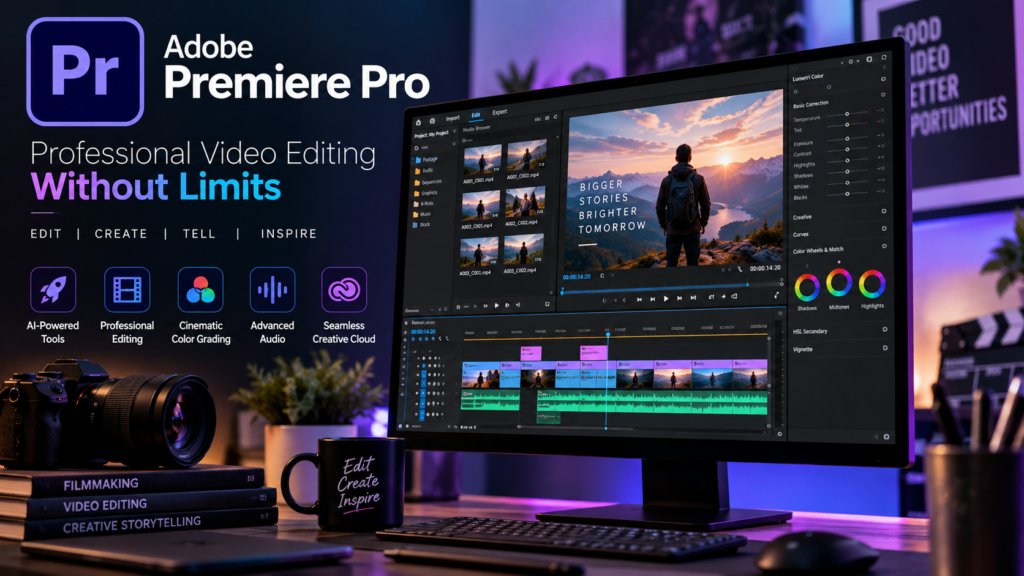
Adobe Premiere Pro remains one of the most widely used professional video editing platforms. Its AI-powered features can speed up repetitive editing tasks while keeping the traditional timeline-based workflow.
AI can assist with tasks such as audio enhancement, transcription, captions, object-related editing and other production workflows.
Pros
- Professional-level editing capabilities
- Powerful timeline and audio tools
- AI-assisted editing features
- Excellent for long-form videos
- Works well with the wider Adobe ecosystem
- Suitable for professional production
Cons
- Steeper learning curve
- Can be demanding on computer hardware
- Subscription-based
- May be excessive for simple social-media videos
Best for
Professional editors, agencies, YouTubers and filmmakers.
2. CapCut
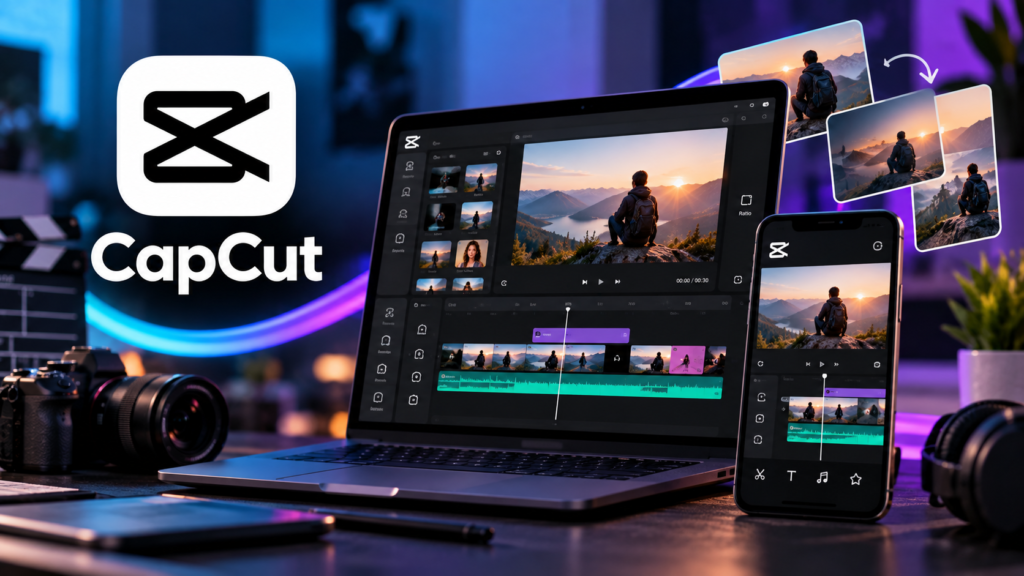
CapCut has become popular among TikTok, Instagram Reels and YouTube Shorts creators because it makes fast editing relatively simple.
Its AI-powered features can help with captions, effects, background removal, templates and short-form content workflows
Pros
- Easy to learn
- Excellent for short-form content
- Large collection of templates and effects
- AI-powered editing features
- Good for social media creators
Cons
- Advanced professional workflows are more limited than Premiere Pro
- Some features depend on the plan or region
- Template-driven editing may feel restrictive for advanced users
Best for
TikTok, Instagram Reels and YouTube Shorts creators.
3. Descript
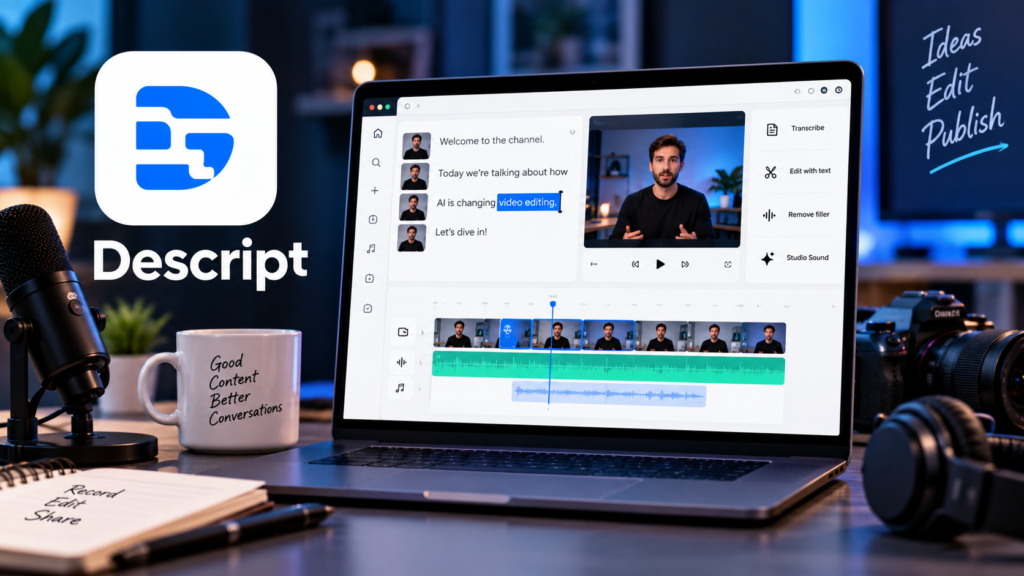
Descript takes a different approach to video editing. Instead of relying entirely on a traditional timeline, you can edit much of your video by editing its transcript.
This can be particularly useful for podcasts, interviews, tutorials and talking-head YouTube videos.
Pros
- Text-based video editing
- Automatic transcription
- Useful AI-powered editing features
- Excellent for podcasts and interviews
- Easy to remove unwanted words or sections
Cons
- Not designed primarily for cinematic editing
- Advanced timeline control is more limited
- Some features require paid plans
Best for
Podcasters, YouTubers, educators and interview-based content.
4. Runway
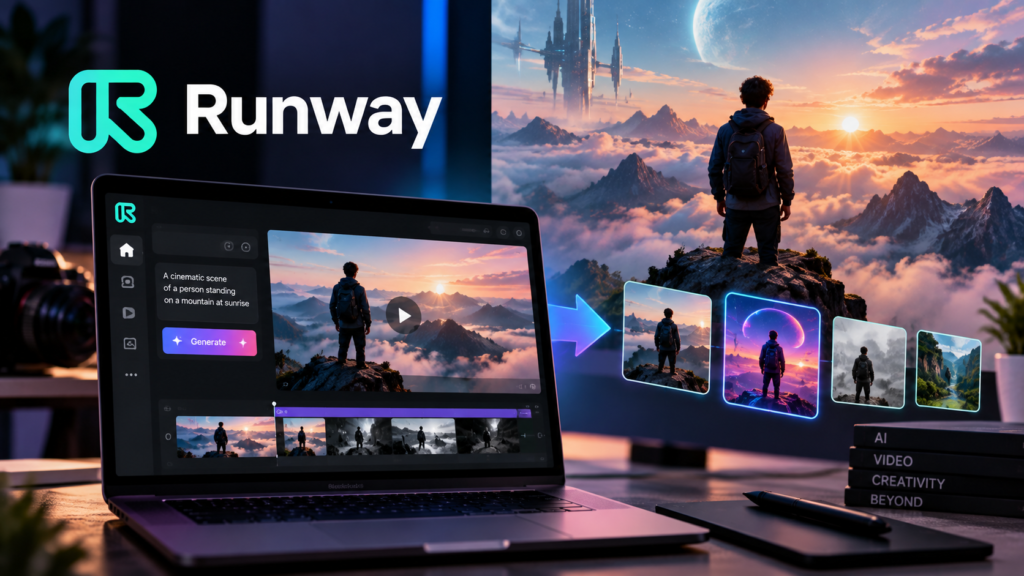
Runway focuses heavily on generative AI and creative video production. It is useful when you want to generate or transform visual content rather than simply perform traditional editing.
It can be especially interesting for creators experimenting with AI-generated visuals.
Pros
- Advanced generative AI capabilities
- Creative video generation and transformation
- Useful for visual experimentation
- Browser-based workflow
Cons
- AI-generated results can vary
- Credits can be consumed quickly
- Less suitable as a complete replacement for a traditional editor
Best for
Creative professionals, marketers and creators experimenting with generative video.